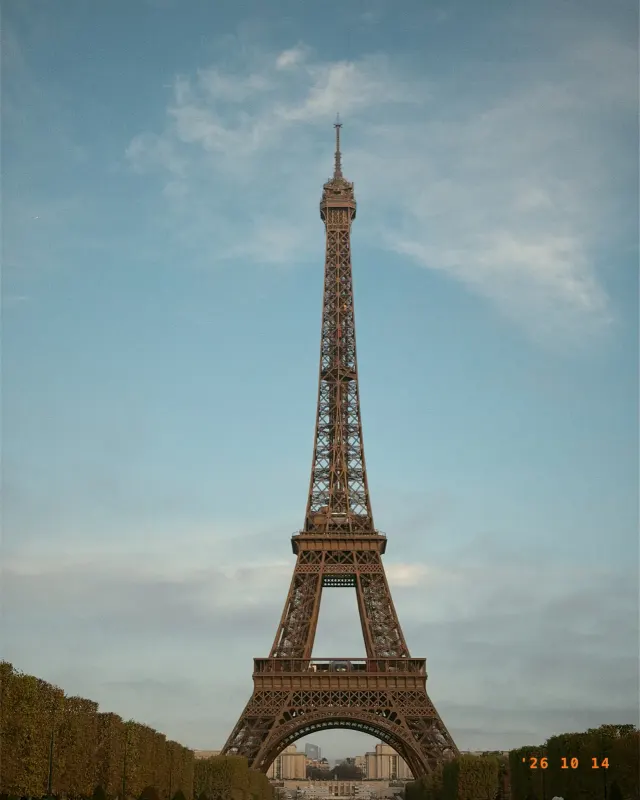
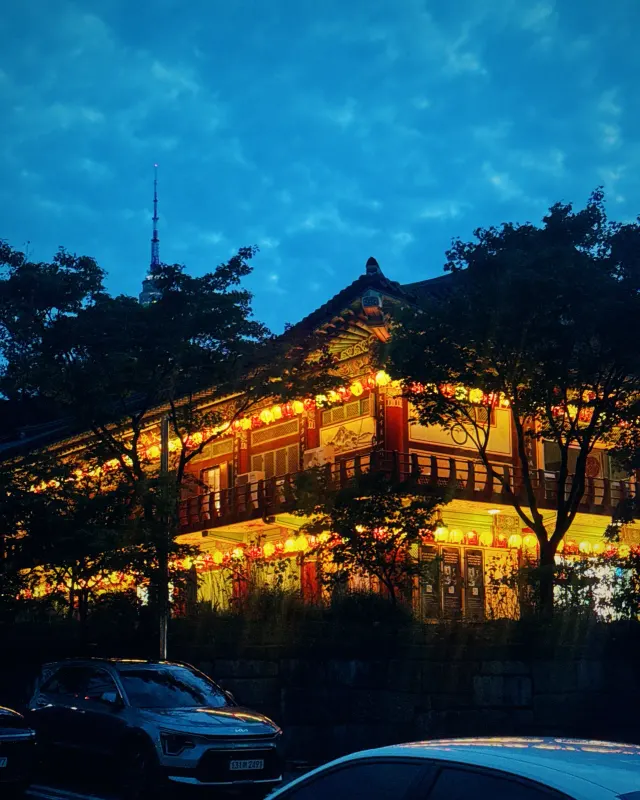
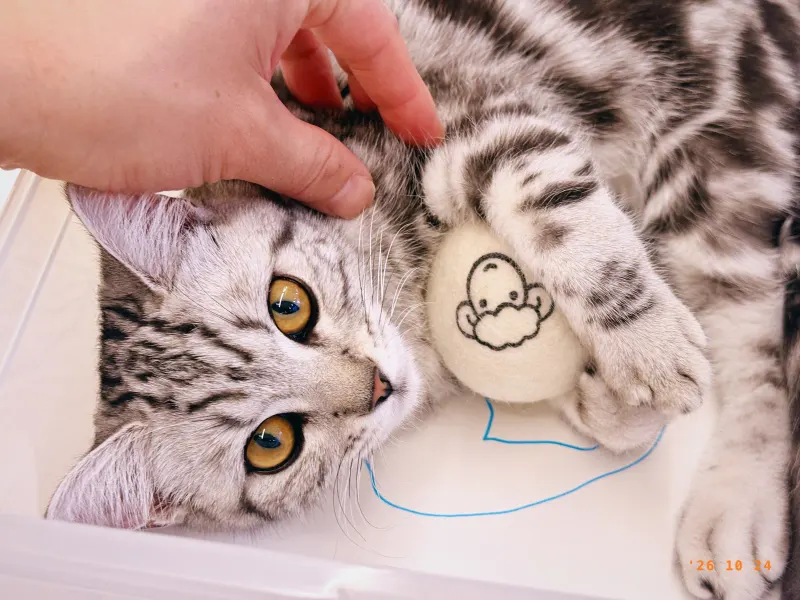
01 — Live preview
See the film before you shoot
The film’s colors show on screen in real time, so you can preview the result before you press the shutter.
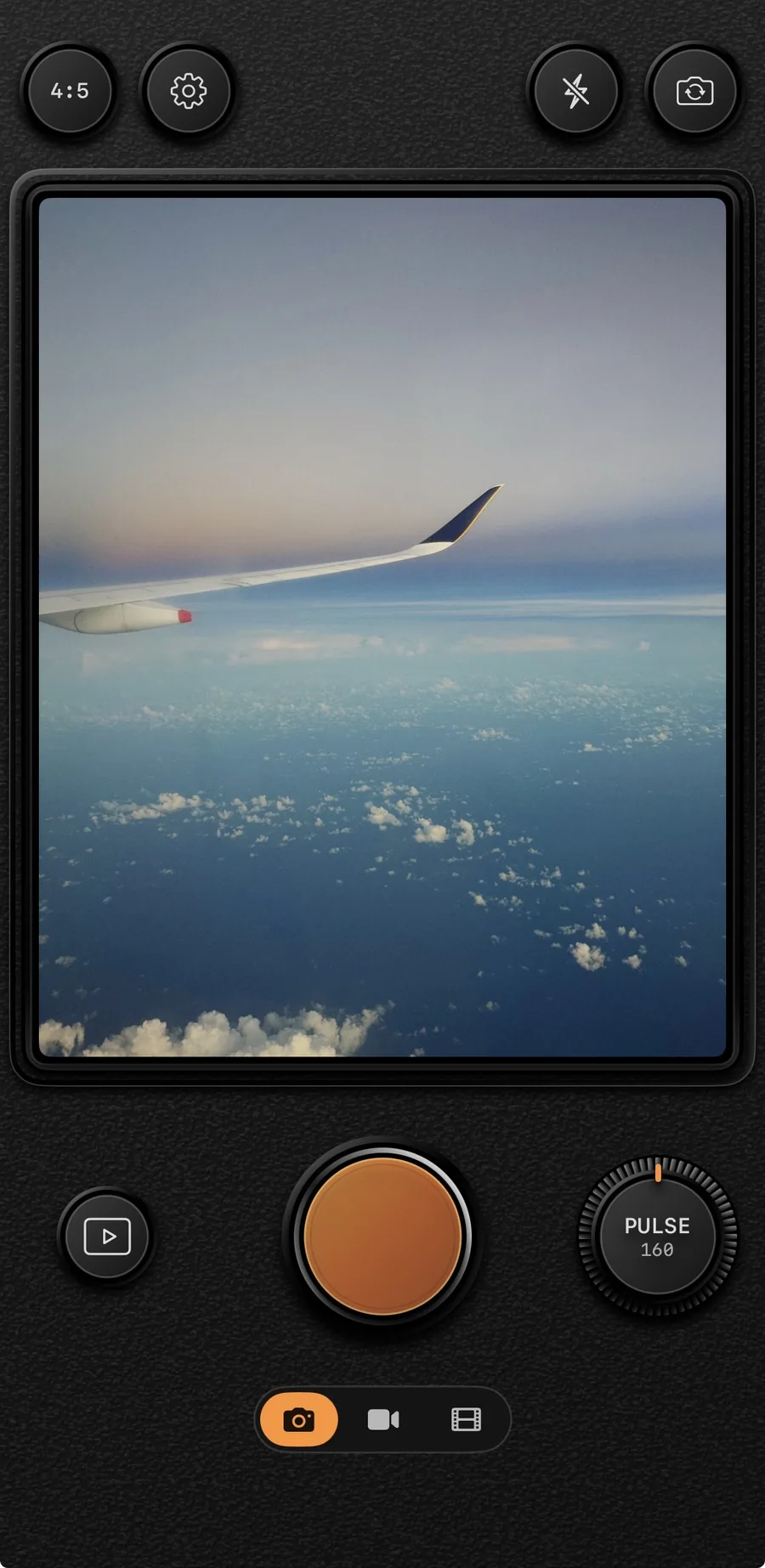
ROLLCA · Film Camera
Pick a film. Press the shutter. That’s it.
A retro camera for iPhone that shows the film’s colors on screen before you shoot.
01 · Film
Six film recipes. Load the one that fits the scene and press the shutter.
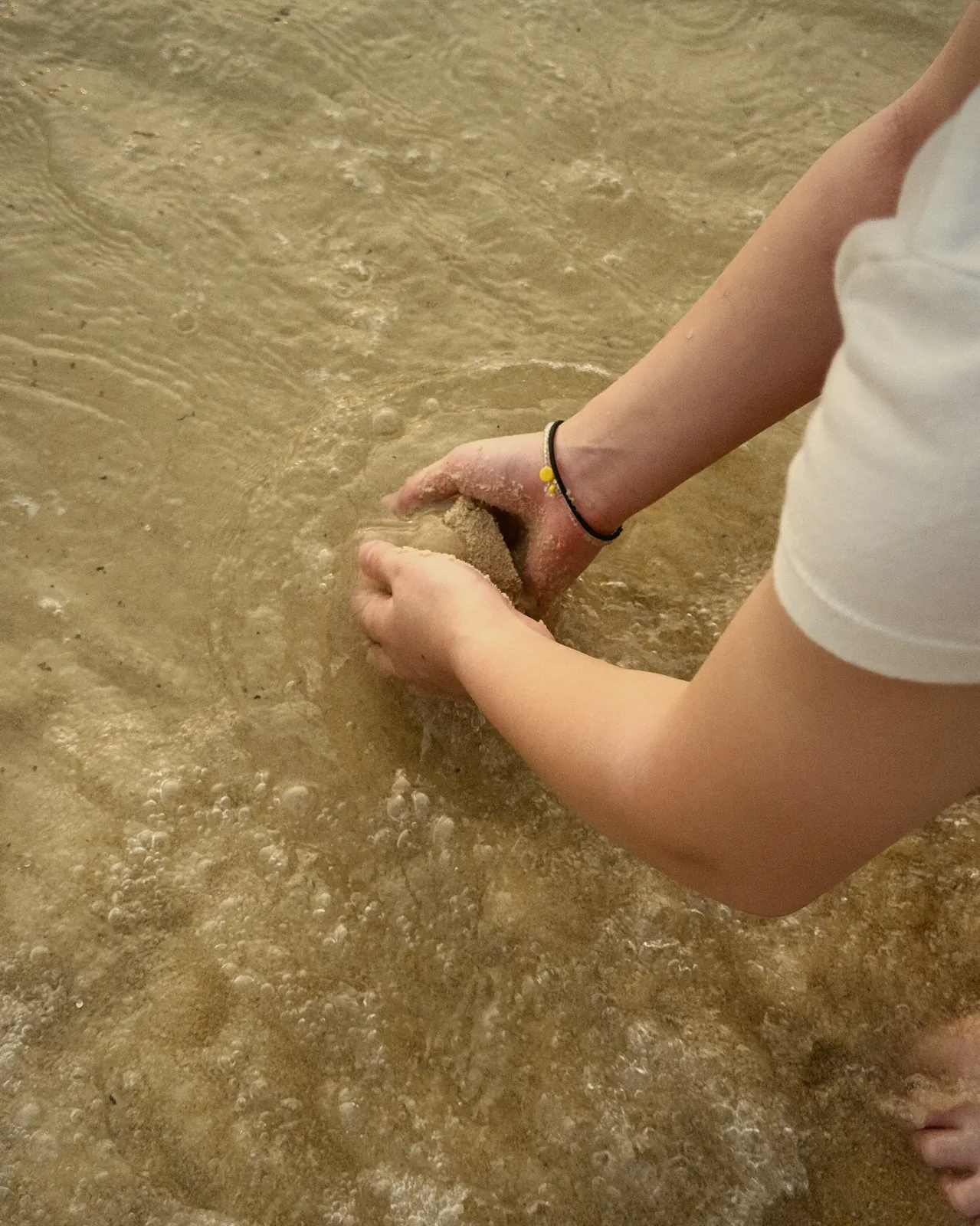
Warm, like a memory
AMBER 400 guide02 · Shot on ROLLCA
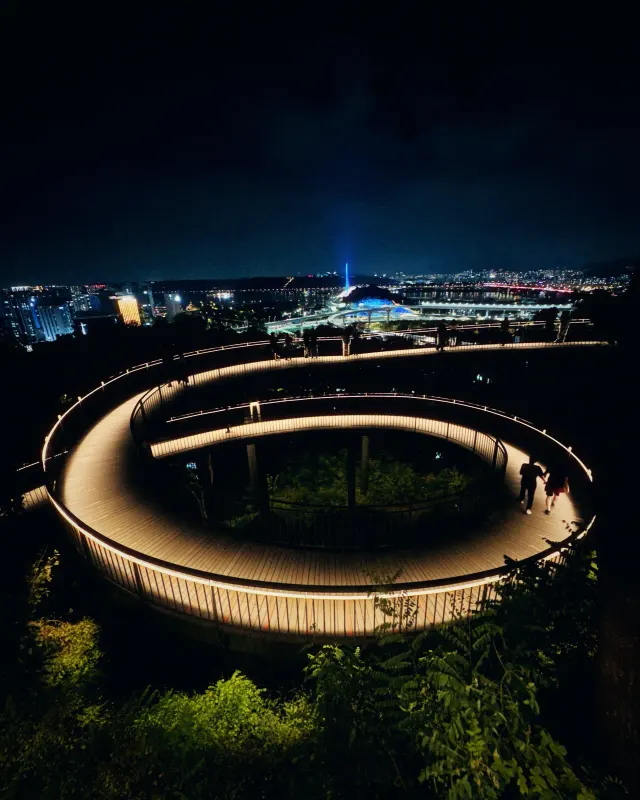
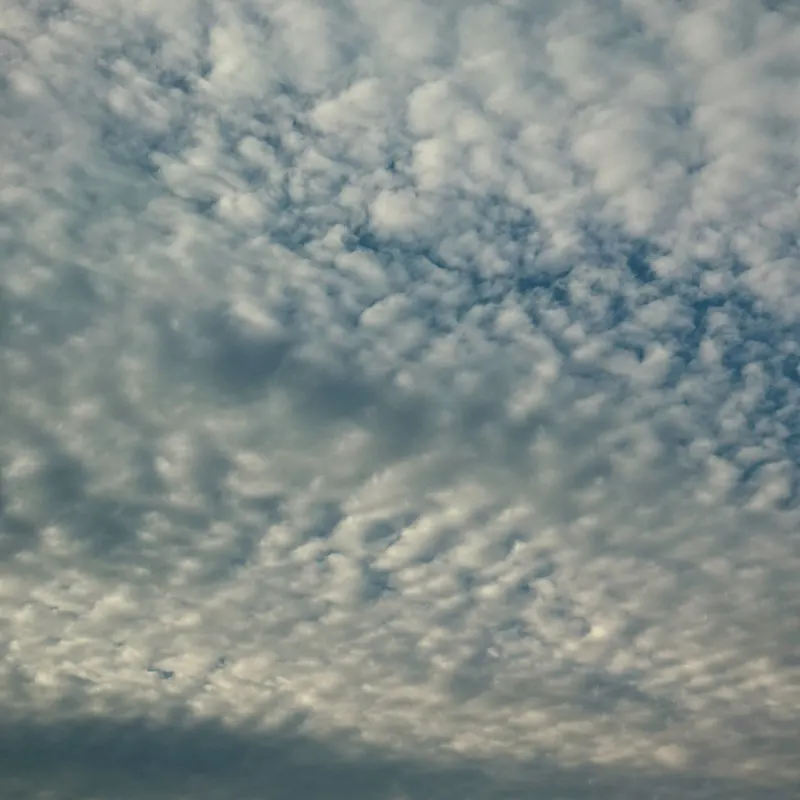
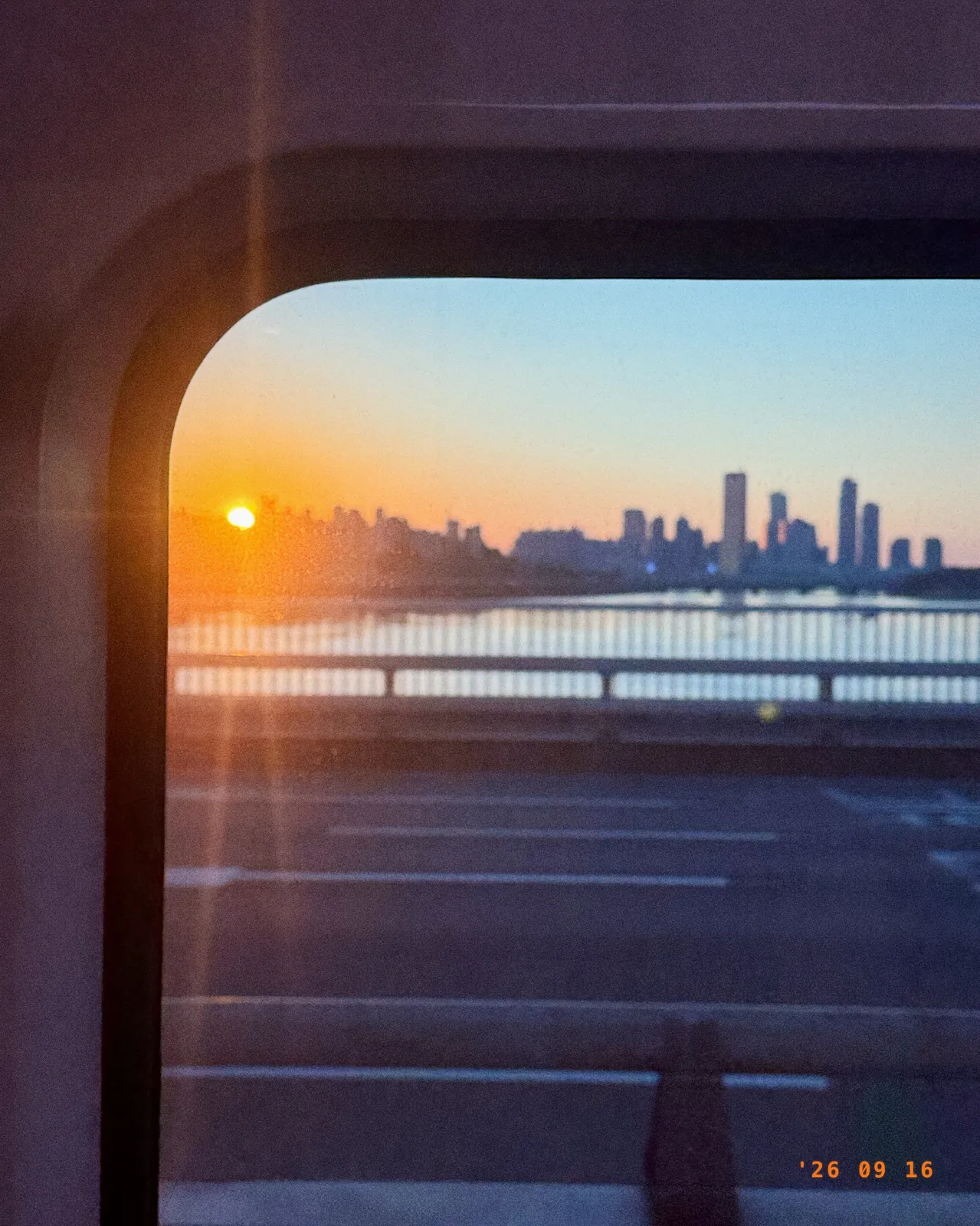
Every photo here was taken with iPhone and ROLLCA. Tap one to see it larger.
03 · Features
01 — Live preview
The film’s colors show on screen in real time, so you can preview the result before you press the shutter.
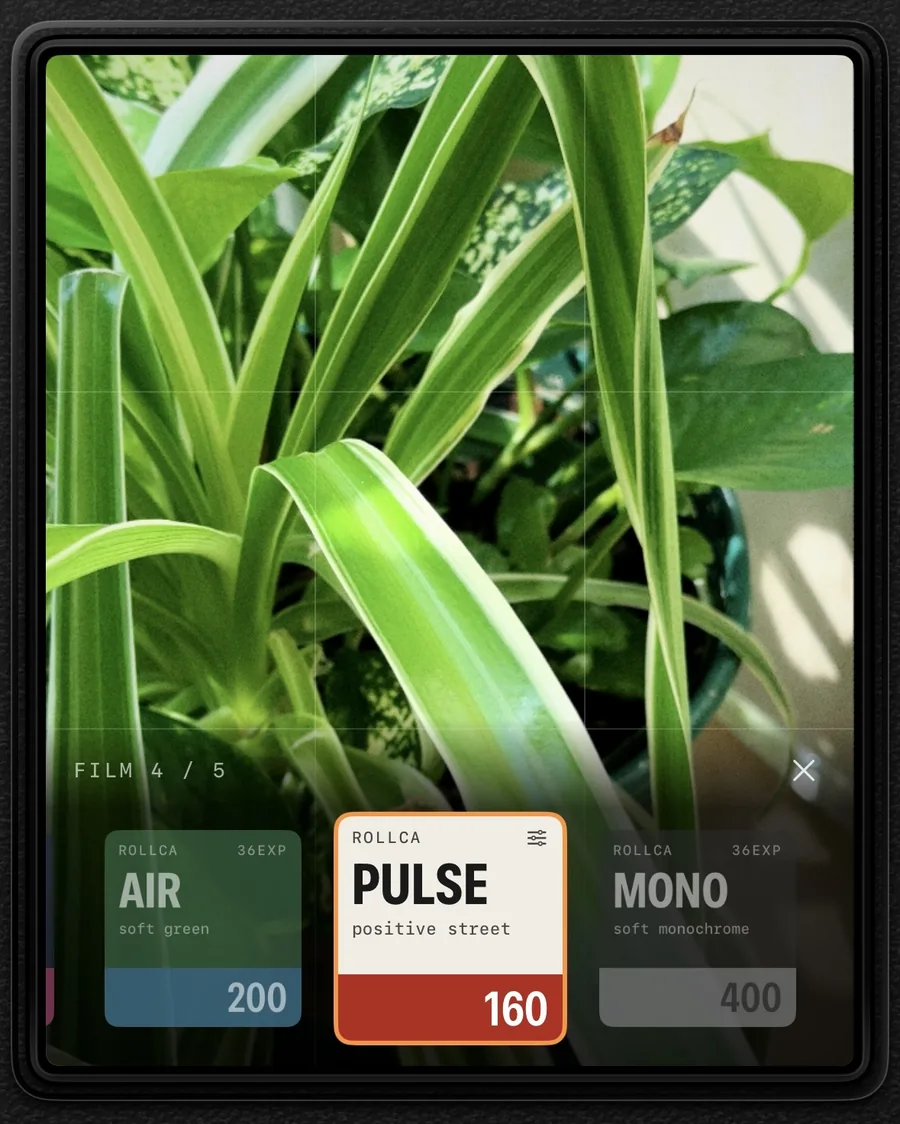
02 — Swipe
Swipe across the screen to load a different film and instantly compare which colors suit the scene.
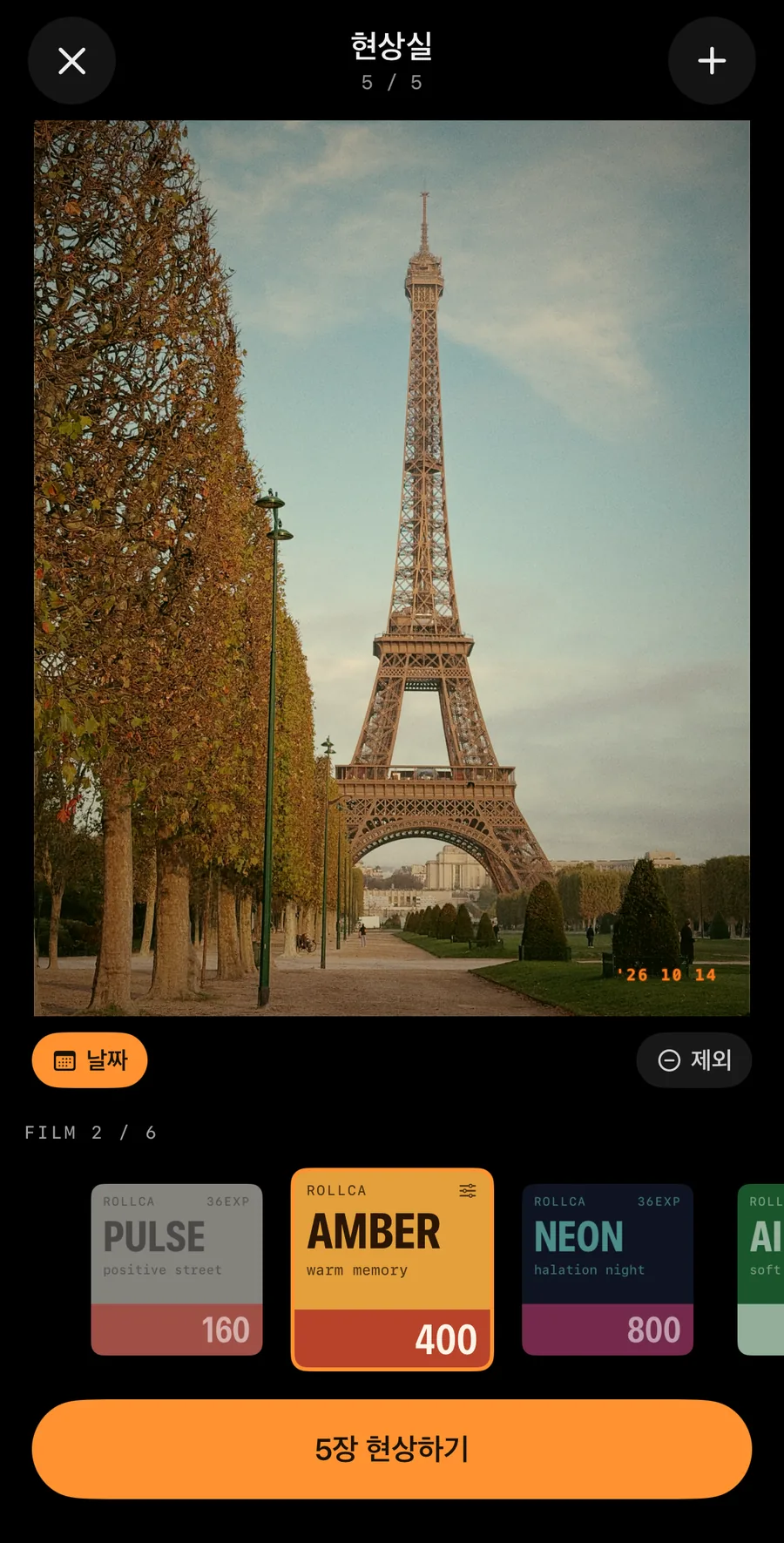
03 — Darkroom
In the Darkroom, apply film to photos already in your library. Use a different film for each, or develop several at once.
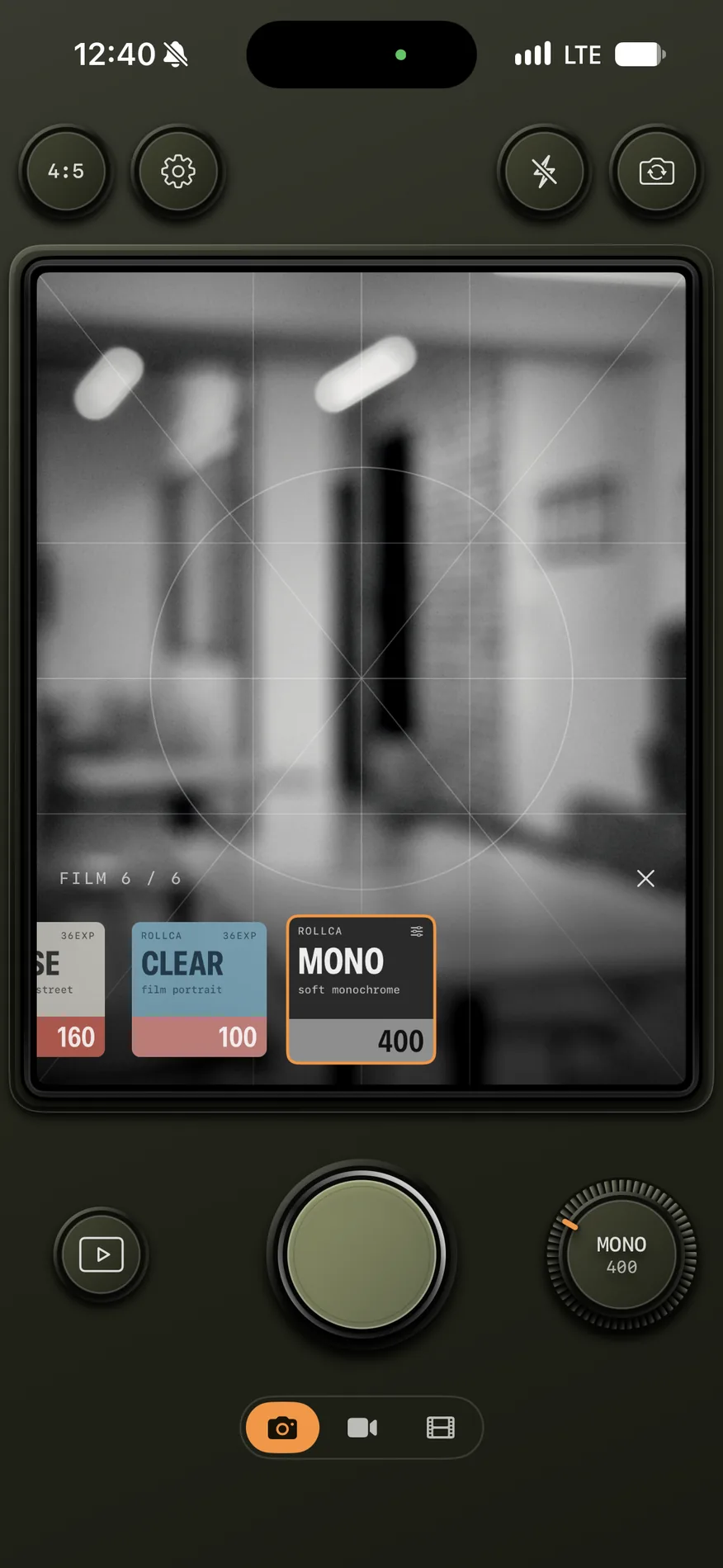
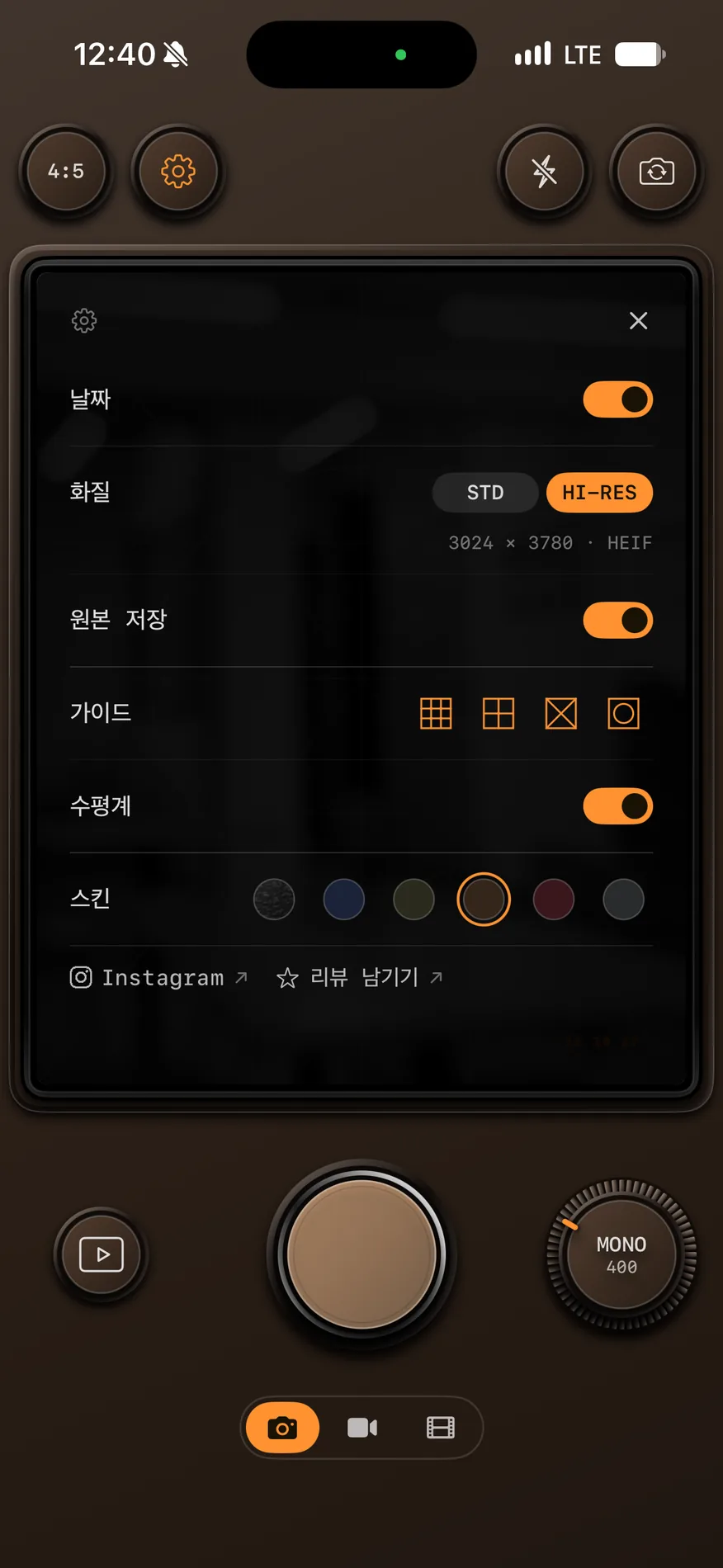
04 — Camera skin
Choose the camera’s look from BLACK and five GRAPHITE colors.
Just like a real camera
Zoom & focus dials
Turn them, feel the click
AF / MF switch
Focus your way
Date stamp
The day, in the corner
Self-timer
Get in the frame
4:5 and more ratios
Grid & level included
Film-look video
Film colors in motion
Save originals
Keep a copy without film
No accounts, no ads
Photos stay on your device
04 · Support
If something isn’t working or you have an idea, let us know anytime.
We’ll get back to you.
ROLLCA does not collect your personal information or send it to any external server.
Camera
Used to take photos and show the live preview.
Photo Library
Used to save the photos you take and to view or delete them in the app.
Location
If you allow it, your current location is used to save location metadata with your photos. Location data is never sent to external servers.
Data collection & storage
ROLLCA uses no user accounts, ads, tracking tools, or third-party analytics. Photos are stored only on your device and in your photo library.
ROLLCA works on iPhone running iOS 17 or later.
Yes. In the Darkroom, pick photos from your library and apply a film. You can choose a different film for each photo or develop several at once.
Turn on “Save original” in Settings and ROLLCA saves an unfiltered original alongside the film photo.
No. Photos and location data are never sent to external servers and stay only on your device.
Yes. All core features, including taking and saving photos, work without location permission.
Photos deleted in the app are removed from the app’s library. Photos saved to the Photos app are managed separately in Photos.